Debugging
You can connect the debugger in your editor, for example with Visual Studio Code or PyCharm.
Call uvicorn
Section titled “Call uvicorn”In your FastAPI application, import and run uvicorn directly:
import uvicorn
from fastapi import FastAPI

app = FastAPI()


@app.get("/")
def root():
    a = "a"
    b = "b" + a
    return {"hello world": b}


if __name__ == "__main__":
    uvicorn.run(app, host="0.0.0.0", port=8000)
About __name__ == "__main__"
Section titled “About __name__ == "__main__"”The main purpose of the __name__ == "__main__" is to have some code that is executed when your file is called with:
$ uv run python myapp.pybut is not called when another file imports it, like in:
from myapp import appMore details
Section titled “More details”Let's say your file is named myapp.py.
If you run it with:
$ uv run python myapp.pythen the internal variable __name__ in your file, created automatically by Python, will have as value the string "__main__".
So, the section:
uvicorn.run(app, host="0.0.0.0", port=8000)will run.
This won't happen if you import that module (file).
So, if you have another file importer.py with:
from myapp import app

# Some more code
in that case, the automatically created variable __name__ inside of myapp.py will not have the value "__main__".
So, the line:
uvicorn.run(app, host="0.0.0.0", port=8000)will not be executed.
Run your code with your debugger
Section titled “Run your code with your debugger”Because you are running the Uvicorn server directly from your code, you can call your Python program (your FastAPI application) directly from the debugger.
For example, in Visual Studio Code, you can:
- Go to the "Debug" panel.
- "Add configuration...".
- Select "Python"
- Run the debugger with the option "
Python: Current File (Integrated Terminal)".
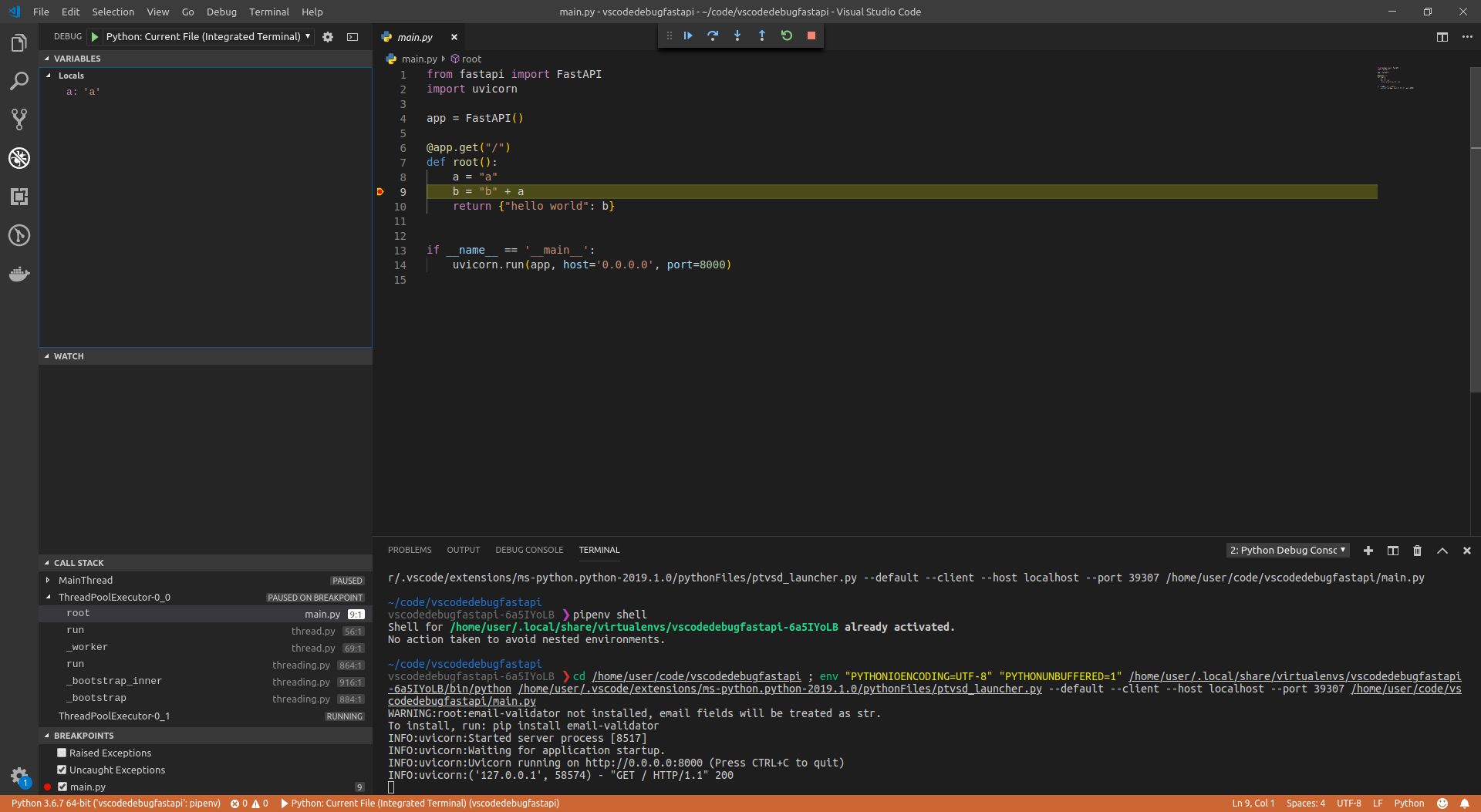
It will then start the server with your FastAPI code, stop at your breakpoints, etc.
Here's how it might look:
If you use PyCharm, you can:
- Open the "Run" menu.
- Select the option "Debug...".
- Then a context menu shows up.
- Select the file to debug (in this case,
main.py).
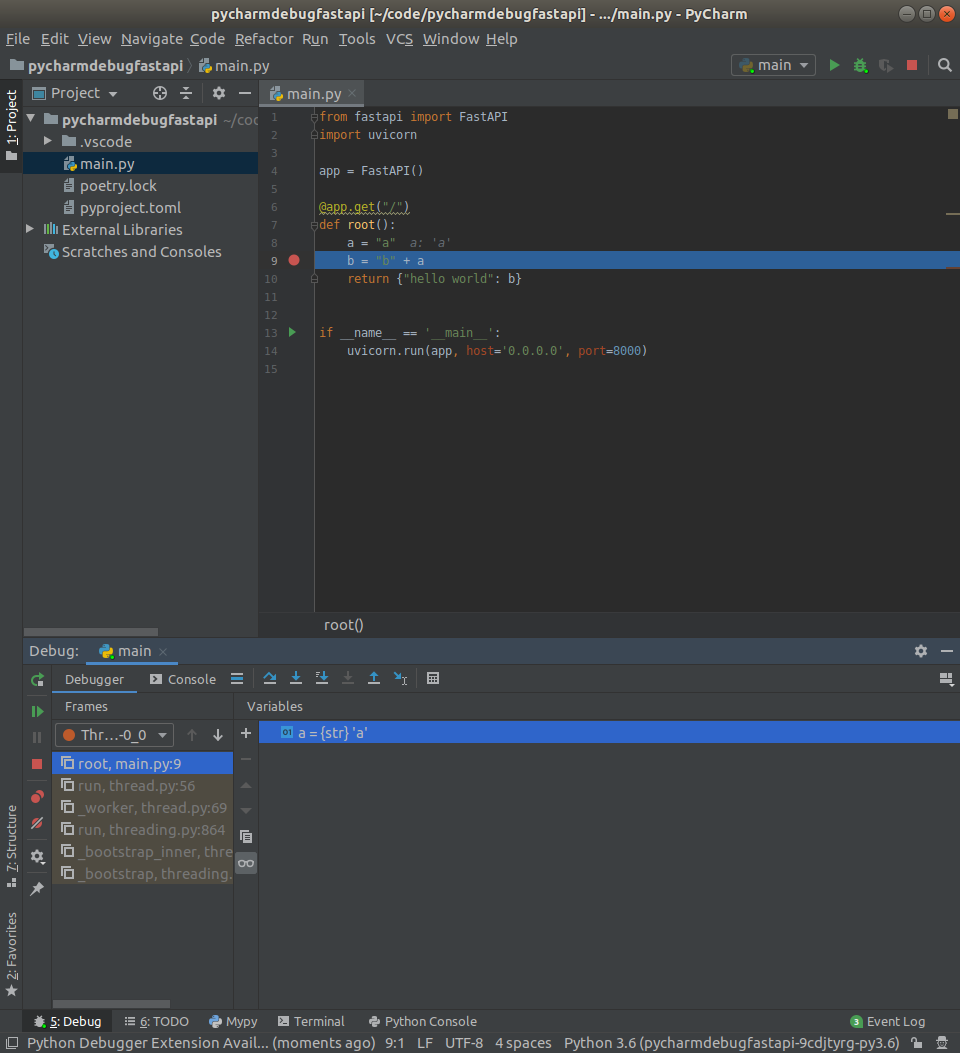
It will then start the server with your FastAPI code, stop at your breakpoints, etc.
Here's how it might look: